How does it work
See the flow
Switch between the venue perspective and the guest perspective to understand how Kvickr works across the journey.
Set up, sell and manage your event
Create your event, start selling and follow ticket activity from one place.
-
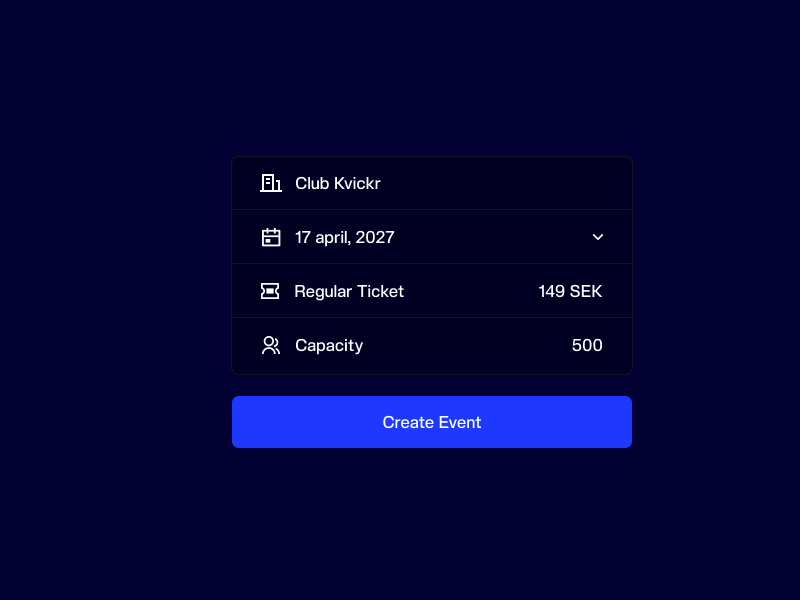
Create your event
Set up ticket types, pricing, sales periods and capacity.
-
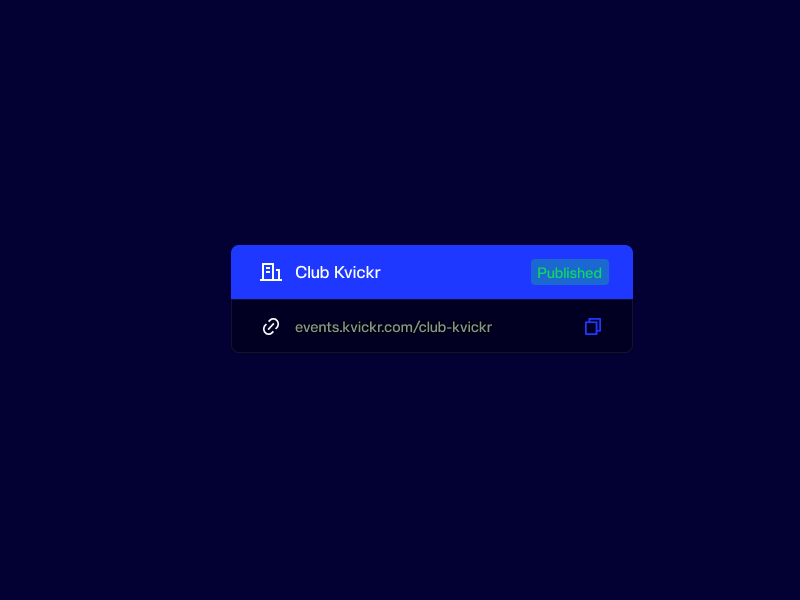
Start selling
Publish your ticket link on your website, social channels or through a direct link.
-
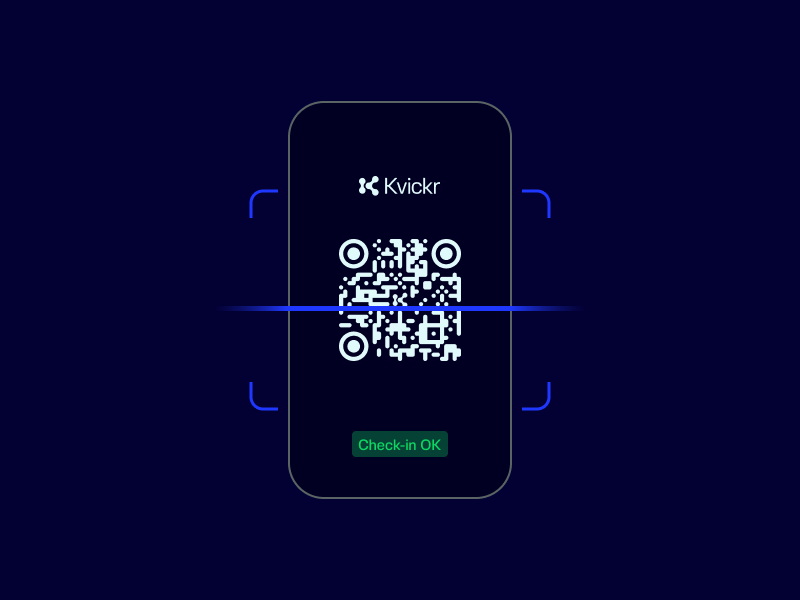
Manage arrivals
Scan tickets at the entrance and follow attendance as guests arrive.
-
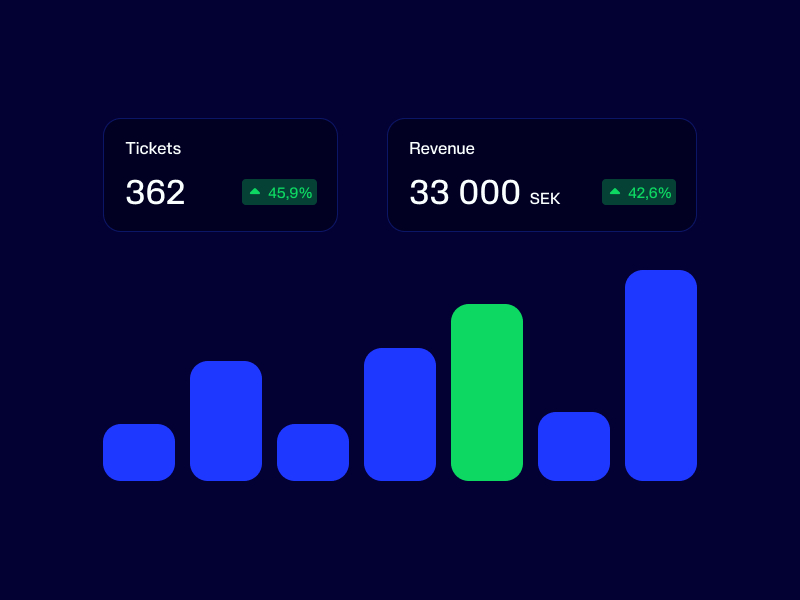
Follow performance
See sales, attendance, no-shows and ticket activity in real time.
FAQs
For the venue
How quickly can we set up an event?
Once the event details, ticket types and pricing are ready, the event can be configured and prepared for sale immediately.
Can we create different ticket types and prices?
Yes. Create multiple ticket types and define pricing, sales periods, quantities and capacity for each event.
Can guests buy more than one ticket?
Yes. Guests can purchase multiple tickets in the same order, depending on the rules set for the event.
Where can we sell the tickets?
Share the ticket link through your website, social channels, campaigns or other digital touchpoints. Local payment methods such as Swish, MobilePay and Vipps can be supported.
How does ticket scanning work?
Each ticket includes a unique QR code that staff scan using the Kvickr Admin App. Guests do not need an app.
Can several entrances scan tickets at the same time?
Yes. Multiple scanning points can operate simultaneously while attendance is updated centrally.
Can Tickets connect to other Kvickr products?
Yes. The same guest flow can continue into Entrance, Cloakroom and other parts of Kvickr.
What can we see during the event?
Follow sales, arrivals, attendance, capacity and ticket activity as the event progresses.
Buy. Receive. Enter.
Buy your ticket, keep it on your phone and use it when you arrive.
-
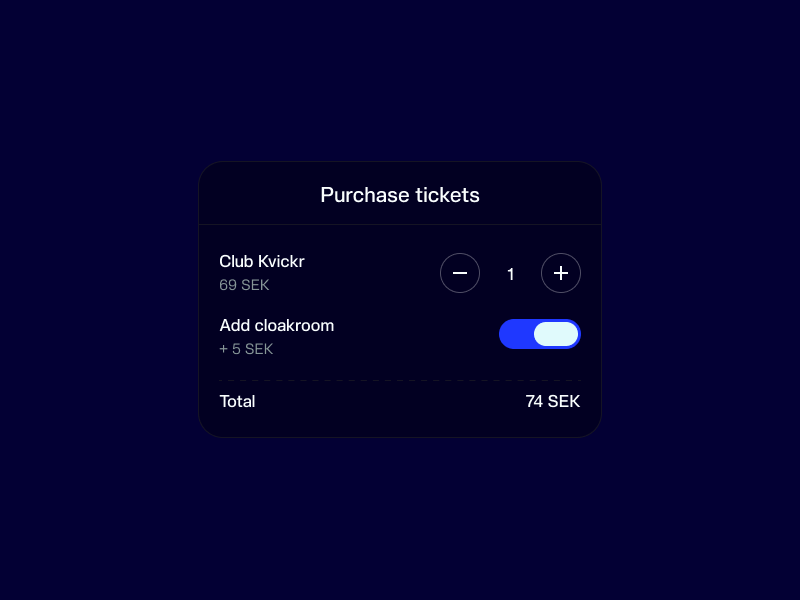
Choose your ticket
Open the event link and select the ticket type and quantity you want.
-
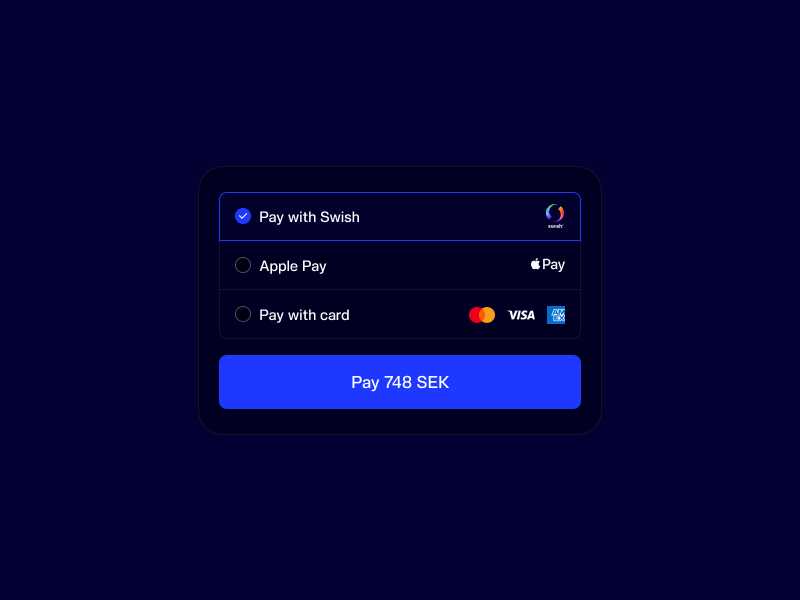
Pay digitally
Complete the purchase using one of the available payment methods.
-
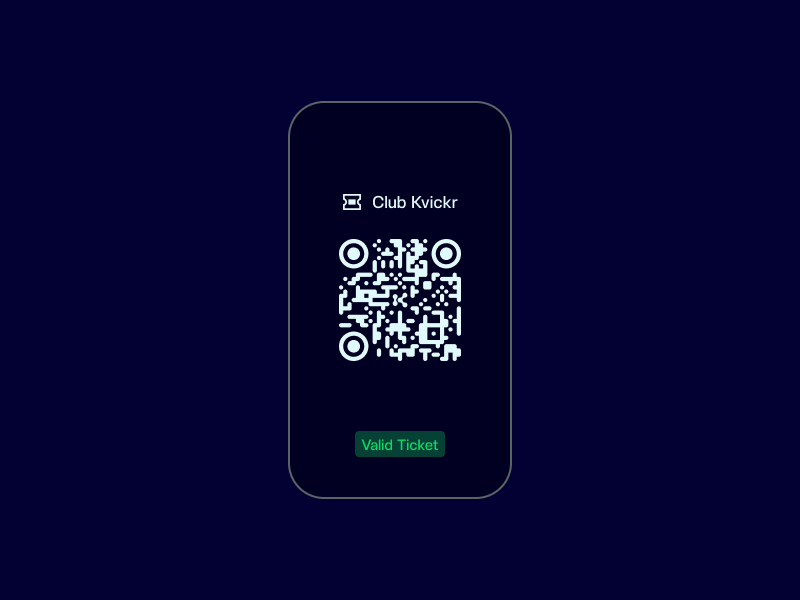
Get your ticket
Receive your ticket and QR code directly in the browser.
-
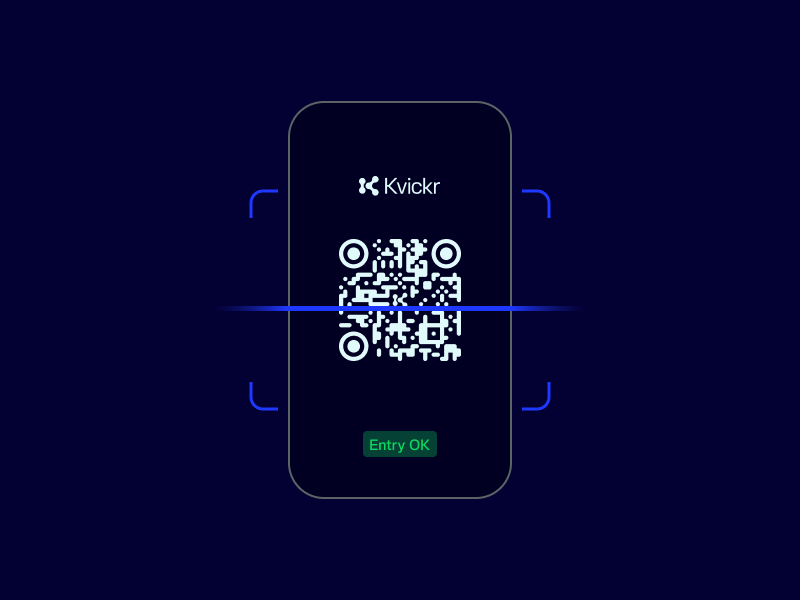
Show and enter
Present the QR code at the entrance for a quick and simple check-in.
FAQs
For the guest
Do I need to create an account?
No. The ticket is available digitally without requiring a traditional account.
Where do I find my ticket?
The ticket is available in the browser after purchase and can be accessed again using an e-ID such as BankID or via the guest's phone number.
Can I buy several tickets at once?
Yes. Multiple tickets can be purchased in one order when the event allows it.
Can I transfer a ticket to someone else?
Where enabled by the venue, individual tickets can be transferred to another guest.
What happens when my ticket is scanned?
Once a ticket has been successfully scanned for entry, it cannot be used for another admission unless the access rules allow re-entry.
Can the same QR code be used for other things?
Yes. When the venue uses connected Kvickr products, the same QR code can also be used for services such as Cloakroom.
Do I need to download an app?
No. The entire ticket flow works directly in the browser.
Keep the entrance moving
Configure access, admit guests and follow arrivals in real time.
-
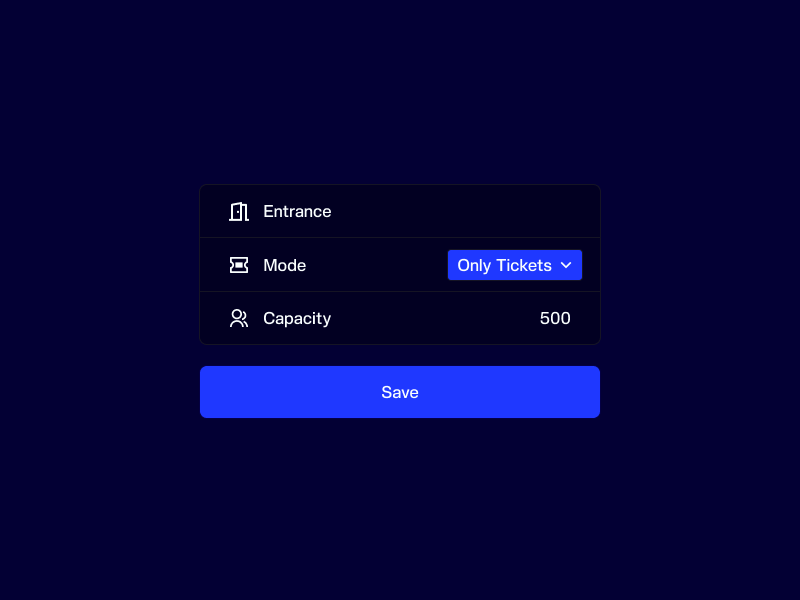
Set up access
Configure entry types, pricing, capacity and access rules.
-
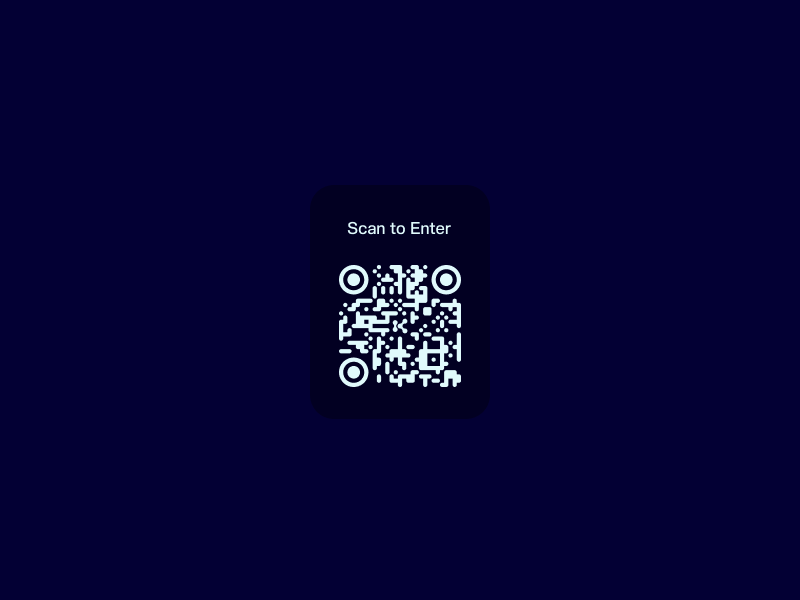
Start admitting guests
Let guests purchase access in advance or in the queue through QR codes, depending on the setup.
-
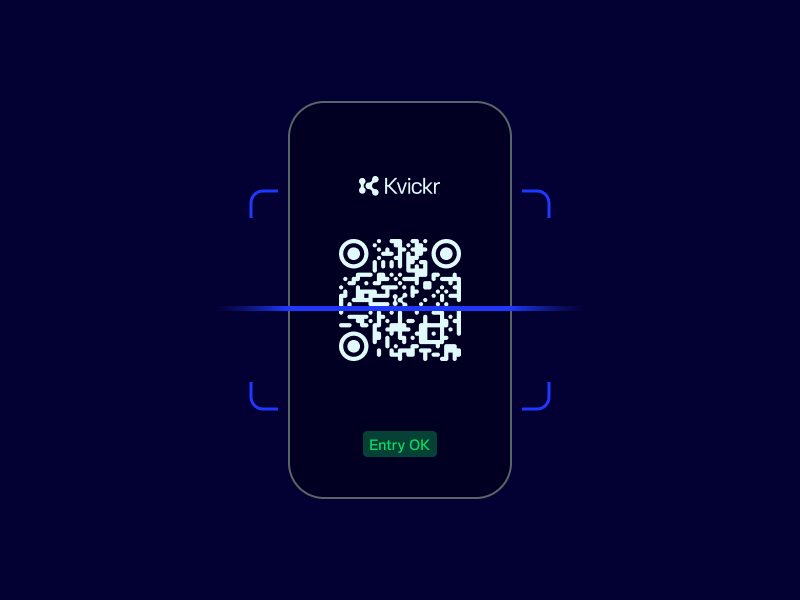
Scan and verify
Scan QR codes at one or multiple entrances and keep the flow moving.
-
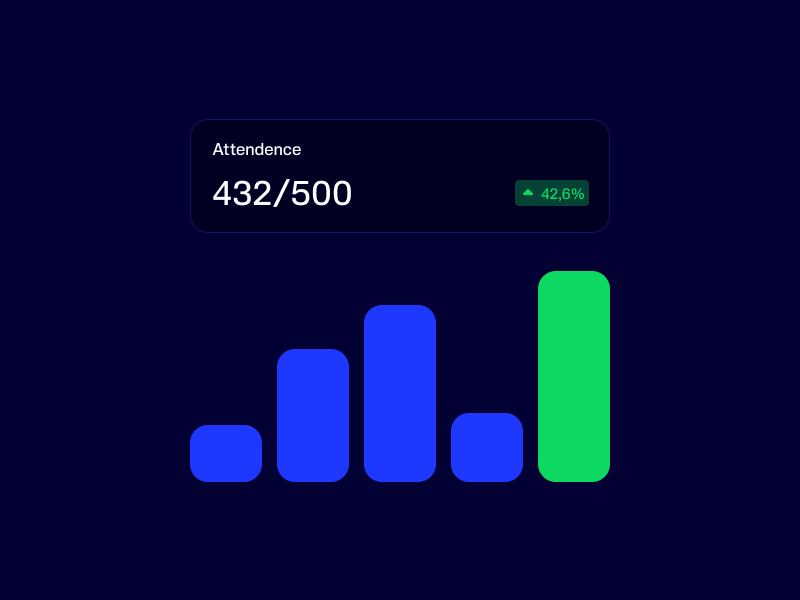
Follow arrivals live
See attendance, capacity and entrance activity in real time.
FAQs
For the venue
Can guests buy entry before arriving?
Yes. Guests can purchase entry in advance through a digital link.
Can guests also buy entry at the door?
Yes. Entry can be sold directly at the venue when needed.
Can we offer Fast Track?
Yes. Fast Track can be configured as a separate access option for selected guests or ticket types.
How does scanning work?
Guests show their QR code at the entrance, where staff scan and verify access through Kvickr.
Can we use multiple entrances at the same time?
Yes. Several scanning points can operate simultaneously while attendance is updated centrally.
Can we follow attendance live?
Yes. Kvickr shows arrivals, attendance and capacity as guests enter.
Can we manage different access types?
Yes. Configure different access types, prices and rules depending on the event or setup.
Can Entrance connect with Tickets and Cloakroom?
Yes. The same guest flow can continue from ticket purchase through Entrance and into Cloakroom.
Can the same QR code be used more than once?
That depends on the access rules you configure, for example if re-entry is allowed.
Do guests need to download an app?
No. The guest flow works directly in the browser.
Arrive. Scan. Enter.
A simple digital flow from access purchase to entry.
-
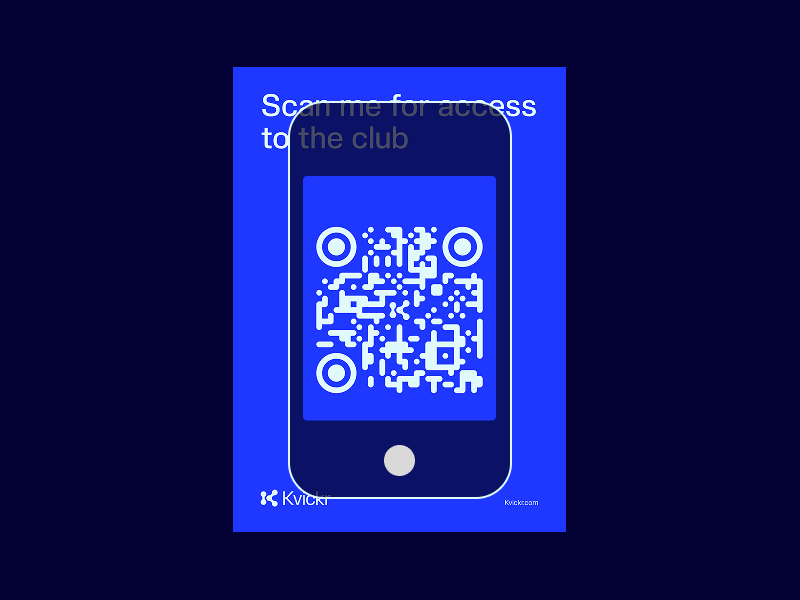
Choose your access
Buy entry or Fast Track before arrival or directly at the venue.
-
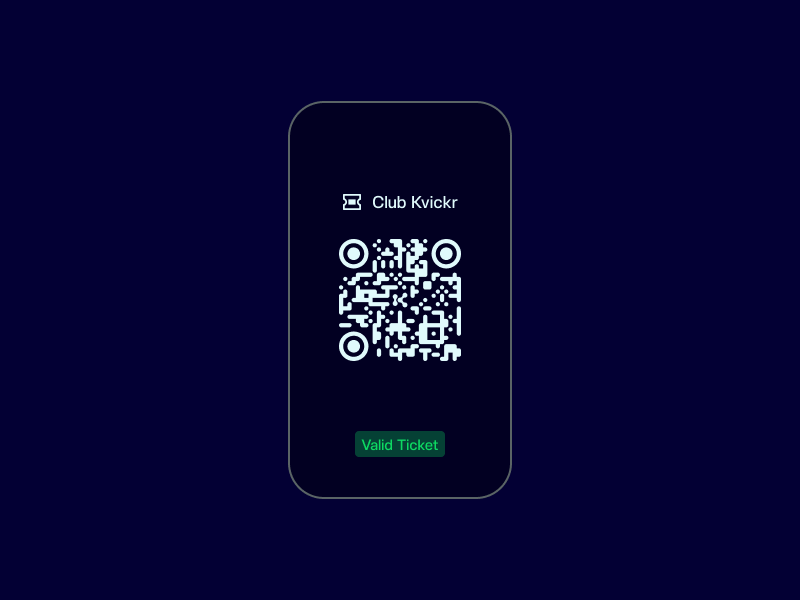
Get your QR code
Pay and receive your digital access pass directly on your phone.
-
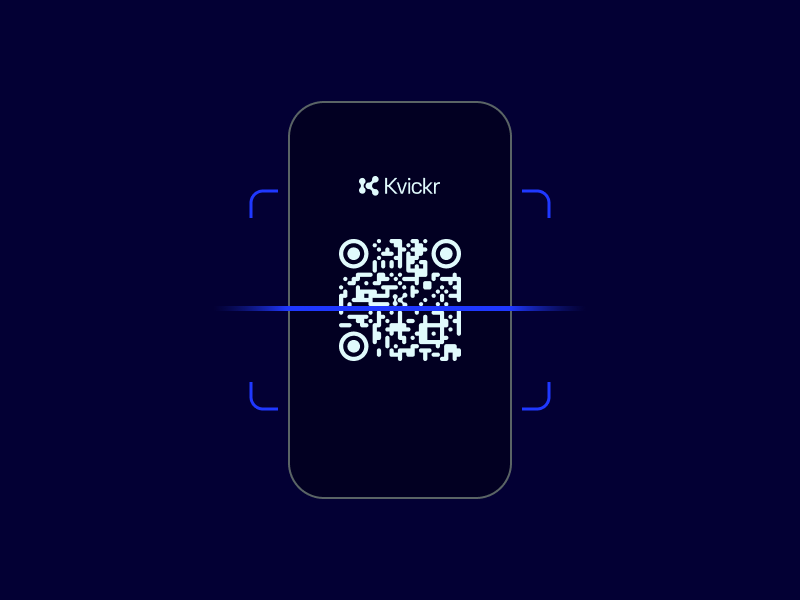
Arrive at the entrance
Have your QR code ready when you reach the door.
-
Scan and enter
Get verified quickly and continue into the venue.
FAQs
For the guest
What does the guest need at the door?
A QR code on their phone, ready to be scanned.
Can the guest buy access at the venue?
Yes. Access can be purchased before arrival or directly at the venue when enabled.
Does the guest need an app?
No. The guest flow works directly in the browser.
Can the same QR code continue into Cloakroom?
Yes. When Entrance and Cloakroom are connected, the same QR code can continue through the guest journey.
Run a smoother cloakroom
Digital tickets, automatic storage assignment and a clearer flow from check-in to collection.
-
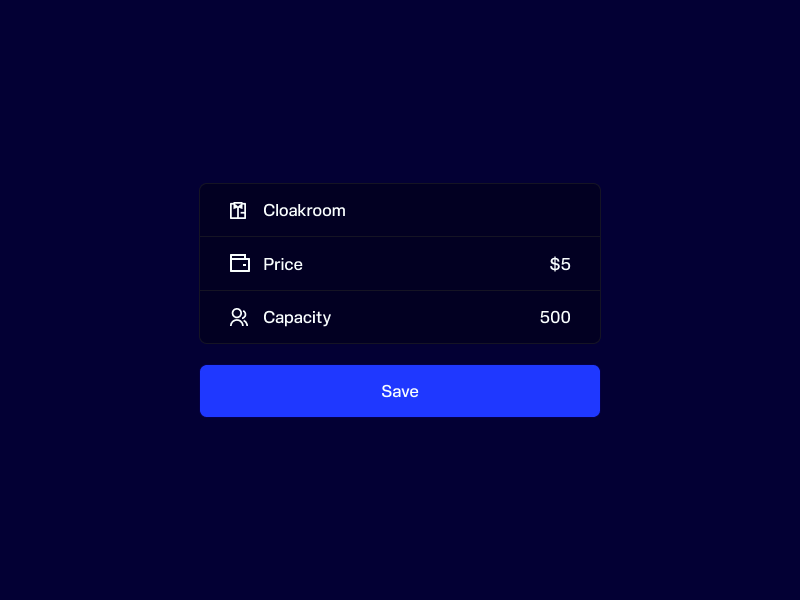
Set up the cloakroom
Configure pricing, capacity, zones and storage locations. Kvickr can help with the initial setup.
-
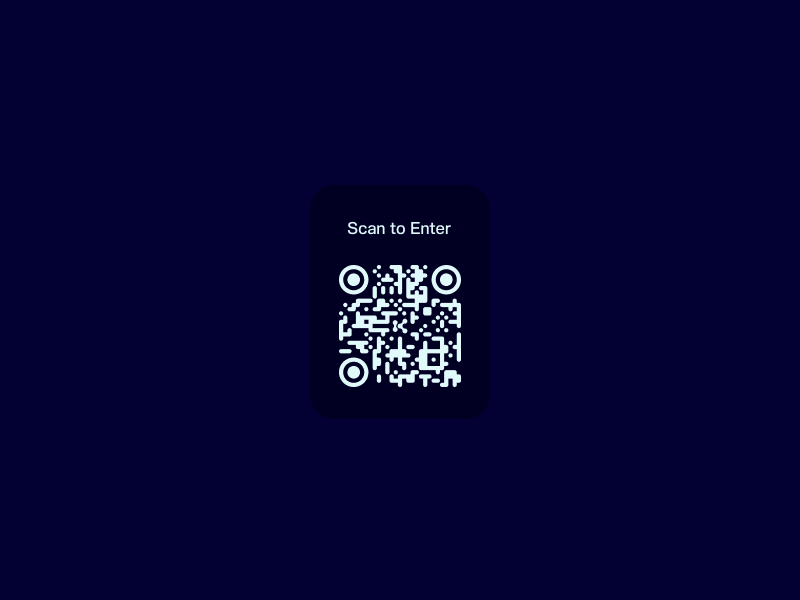
Sell digitally
Let guests purchase cloakroom access before arrival or at the venue.
-
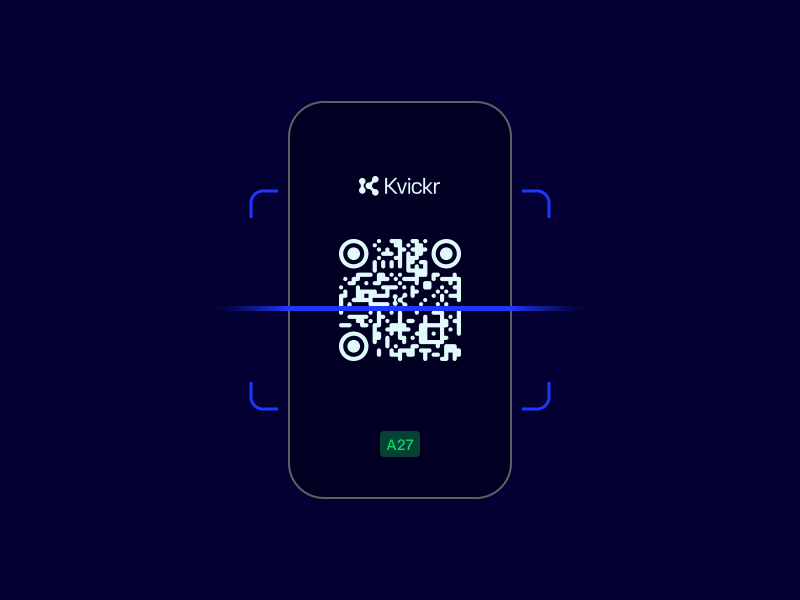
Check items in
Scan the guest's QR code and let the system assign an available storage location, such as A27.
-
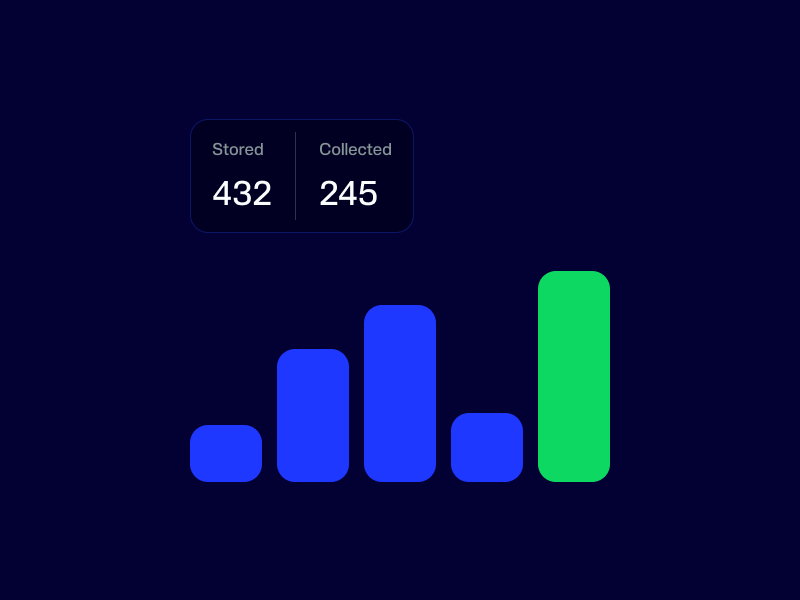
Handle collection
Scan again when the guest returns and see exactly where the item is stored.
FAQs
For the venue
Can guests buy cloakroom access before arriving?
Yes. Guests can purchase their digital cloakroom ticket in advance.
Can guests also pay at the venue?
Yes. Cloakroom access can also be purchased on arrival.
How does item check-in work?
Staff scan the guest's QR code and the system assigns the item to an available storage location, such as A27.
Does the guest receive a physical ticket?
No. The cloakroom ticket is digital and stays available on the guest's phone.
Can the same QR code be used for both Entrance and Cloakroom?
Yes. When the products are connected, the same QR code can continue through the guest journey.
How does collection work?
The guest shows the QR code again, and staff can immediately see where the item is stored.
Can we use different cloakroom zones or numbering systems?
Yes. Kvickr can be configured around the way the cloakroom is structured.
Can staff change an item's storage location?
Yes. Storage information can be updated if an item needs to be moved.
Can we follow cloakroom activity live?
Yes. See check-ins, collections, capacity and ongoing activity.
What happens if a guest's phone runs out of battery?
Staff can use alternative guest information, such as a phone number, to help identify the correct cloakroom ticket and item.
Drop off. Keep your ticket. Collect.
A digital cloakroom ticket that stays with the guest throughout the visit.
-
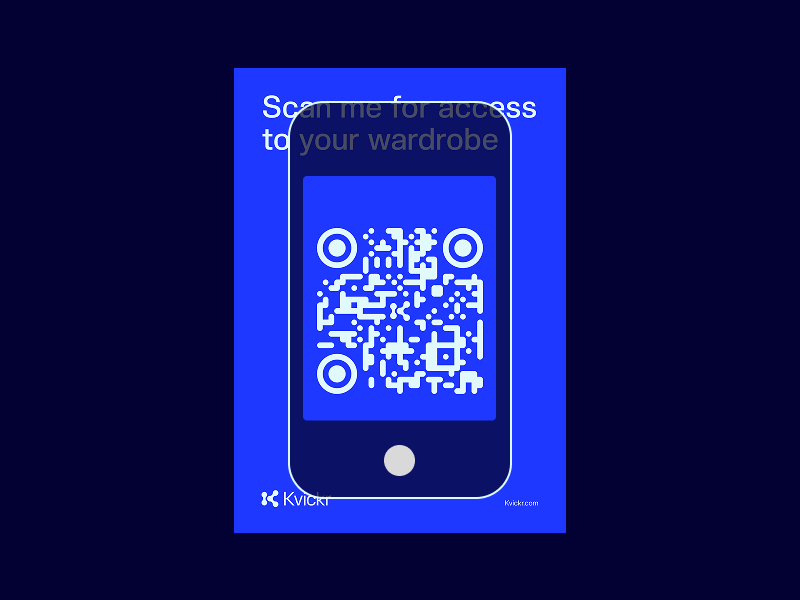
Get your cloakroom ticket
Purchase through a QR code before arrival or when you reach the venue.
-
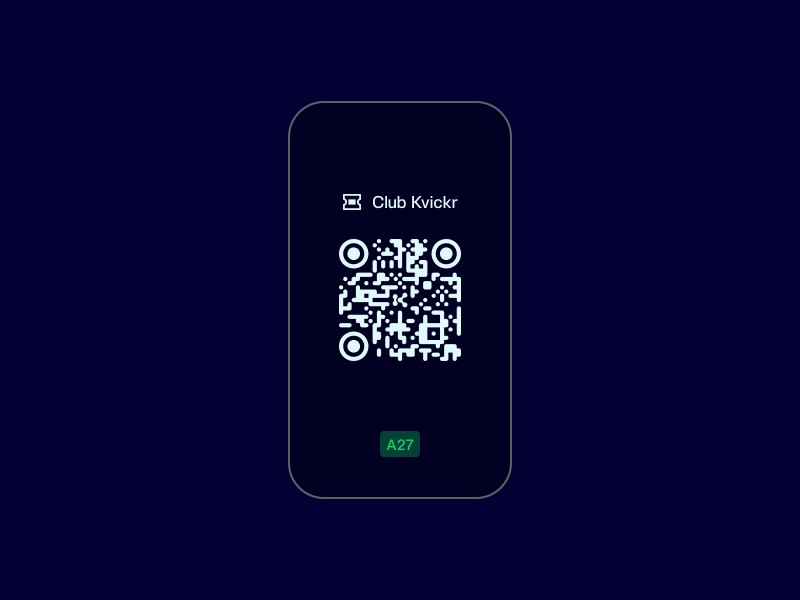
Drop off your item
Show your QR code and hand the item to the cloakroom staff.
-
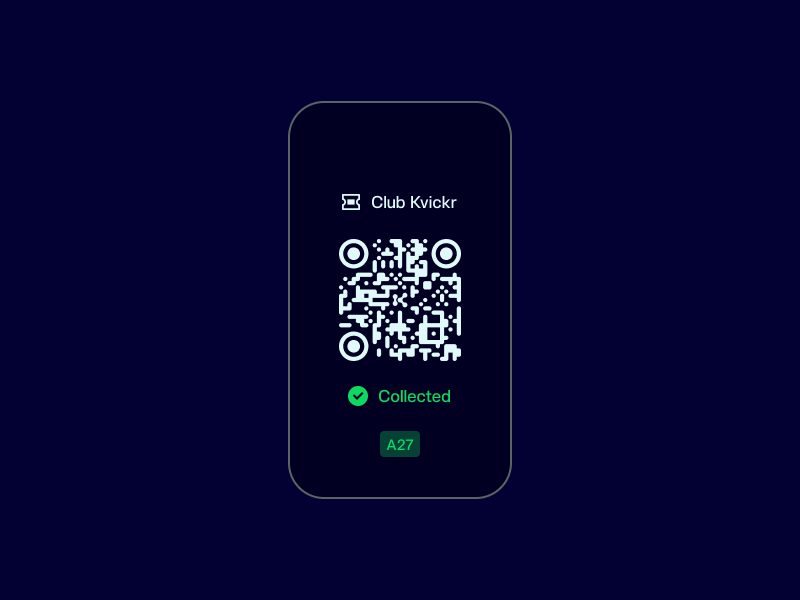
Keep your ticket on your phone
Your digital cloakroom ticket stays available throughout the visit.
-
Collect and go
Show the same QR code when you are ready to leave.
FAQs
For the guest
Does the guest receive a physical ticket?
No. The cloakroom ticket stays digital on the guest's phone.
Can the guest buy before arrival?
Yes. Cloakroom access can be purchased in advance or at the venue.
Can the same QR code be used from Entrance?
Yes. When the products are connected, the same QR code can continue into Cloakroom.
What happens if the guest's phone runs out of battery?
Staff can use alternative guest information, such as a phone number, to help identify the correct ticket and item.
Turn guest data into relevant communication
Use guest data already created across the Kvickr flow to build audiences and send targeted SMS.
-
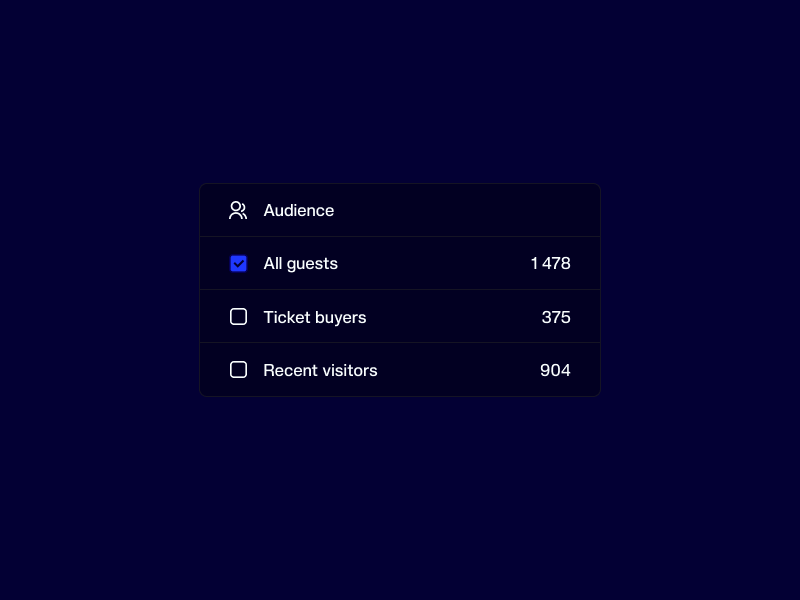
Build your audience
Use guest data from Tickets, Entrance and Cloakroom to create relevant segments.
-
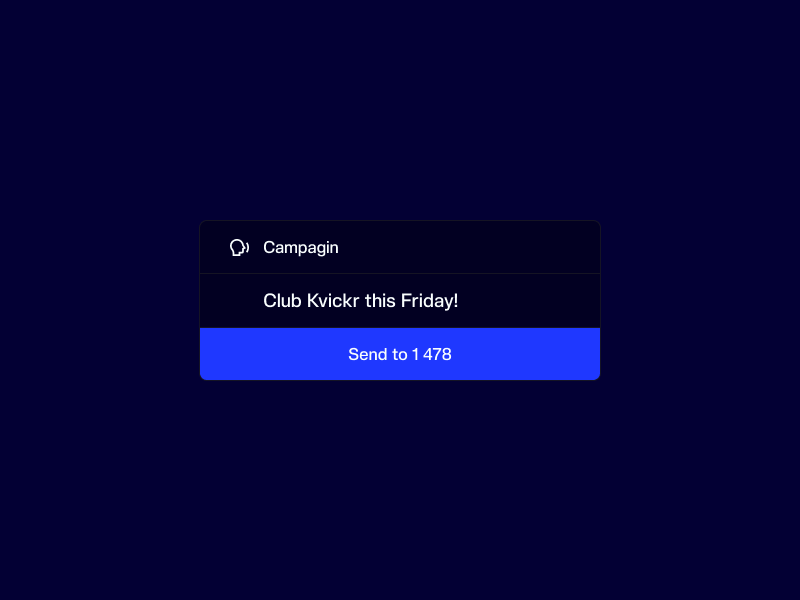
Choose who to reach
Target guests based on previous visits, events, location or other available data.
-
Send your campaign
Create and schedule targeted SMS directly through Kvickr.
-
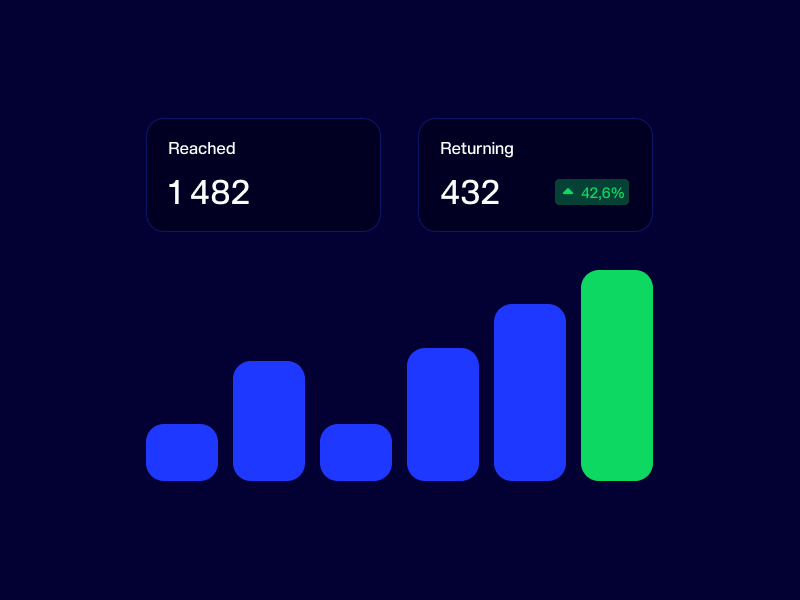
Bring guests back
Use previous guest behaviour to reach the right people again before the next event.
FAQs
For the venue
How do we get the information?
At each Kvickr touchpoint, the guest either identifies themselves using Mobile BankID or provides their own details, such as name and phone number. This lets information connect across Tickets, Entrance and Cloakroom for relevant follow-up communication.
What guest data can we use for targeting?
Build audiences using available data from Tickets, Entrance and Cloakroom, such as previous visits, events, location and other guest attributes.
Can we create different audience segments?
Yes. Group guests based on the criteria that are relevant for a specific campaign.
Can we send SMS directly through Kvickr?
Yes. SMS campaigns can be created and sent directly through Kvickr.
Can campaigns be scheduled in advance?
Yes. Prepare campaigns and choose when they should be sent.
Can we target previous visitors?
Yes. Reach guests who have already interacted with the venue.
Can we send campaigns for a specific event?
Yes. Create audiences around previous events, guest behaviour or other available data.
Can Marketing connect with the rest of Kvickr?
Yes. Guest data from Tickets, Entrance and Cloakroom can be used to create more relevant communication.
Can we manage guest consent in Kvickr?
Yes. Consent can be managed within Kvickr so communication is based on the permissions available for each guest.
Can we see who received a campaign?
Yes. Campaign activity can be tracked to show what was sent and to which audience.
Do we need a separate marketing platform?
Not for the core SMS flow. Kvickr is designed to combine operational guest data and communication in the same system.
What the guest experiences
Relevant communication based on real interactions with the venue.
-
Visit the venue
The guest's interaction with the venue helps build a more relevant guest profile.
-
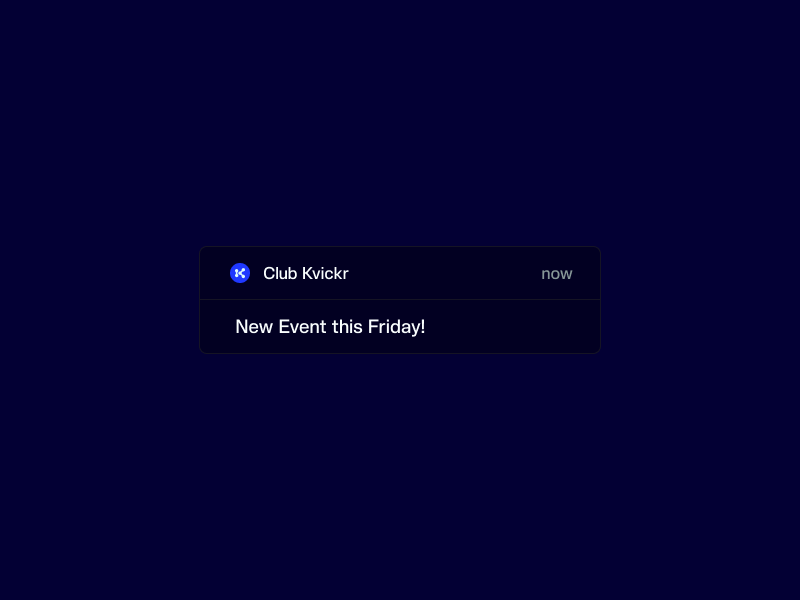
Receive relevant updates
Guests receive information based on previous visits and interactions.
-
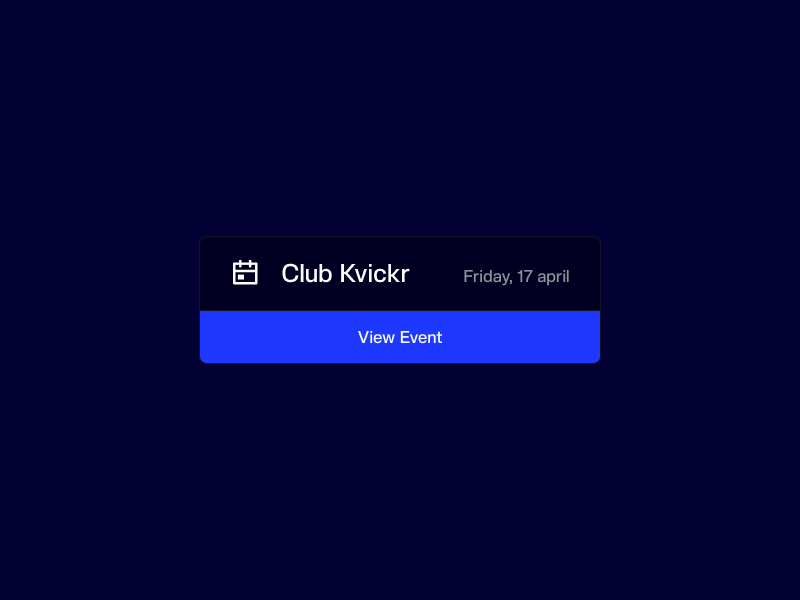
Discover what's next
Share upcoming events, ticket releases or relevant offers at the right time.
-
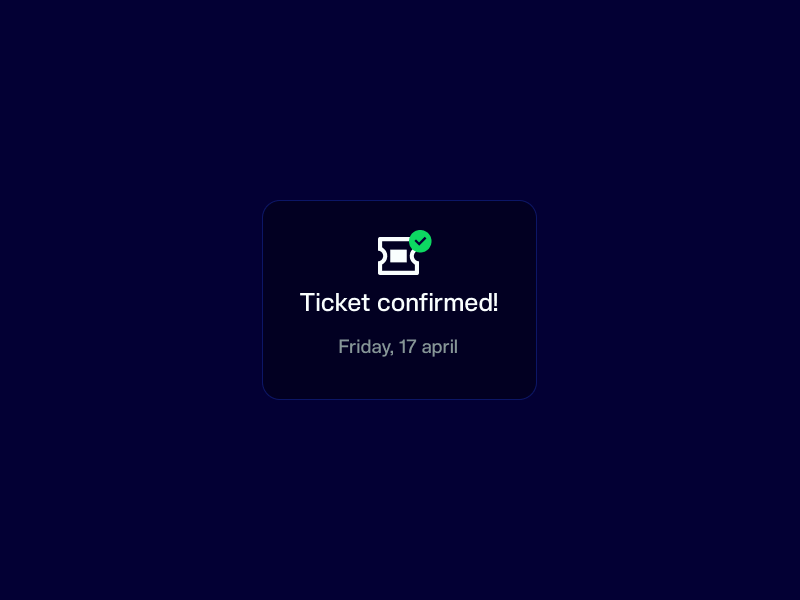
Return when it matters
Keep the relationship going beyond a single visit or event.
FAQs
For the guest
What does the guest experience?
The guest receives communication based on previous interactions with the venue, making messages more relevant than broad, untargeted marketing.
How is the guest identified?
At different Kvickr touchpoints, the guest provides information such as name and phone number, or identifies themselves where supported.
Does the guest need to create an account?
No. Kvickr can connect the guest journey without requiring a traditional account.
How does this improve the guest experience?
The venue can communicate based on actual visits, events and interactions instead of sending the same message to everyone.
What kind of communication can the guest receive?
For example, upcoming events, ticket releases or relevant offers from the venue.
Can the guest opt out?
Yes. Communication is based on the consent and contact permissions available for that guest.
See what happened. Understand what to improve.
Bring operational data together to understand performance across the guest journey.
-
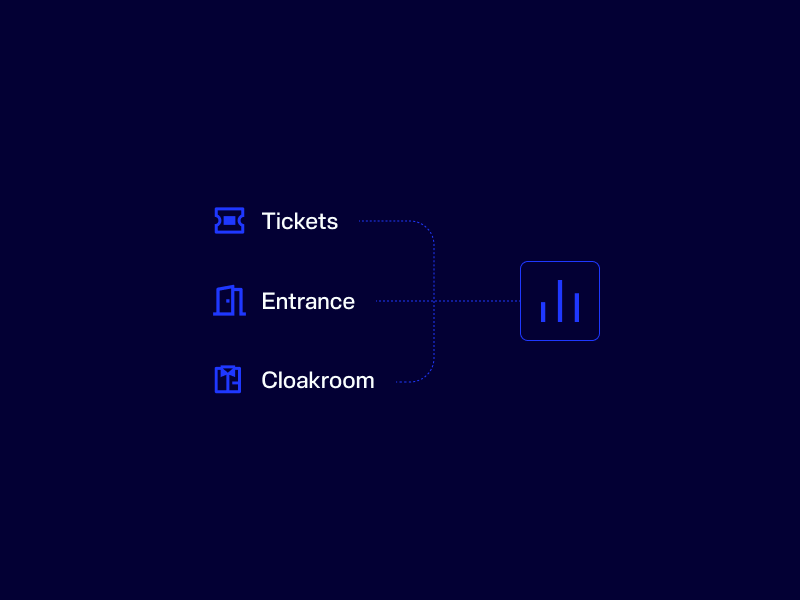
Collect the activity
Bring together data from Tickets, Entrance, Cloakroom and other Kvickr touchpoints.
-
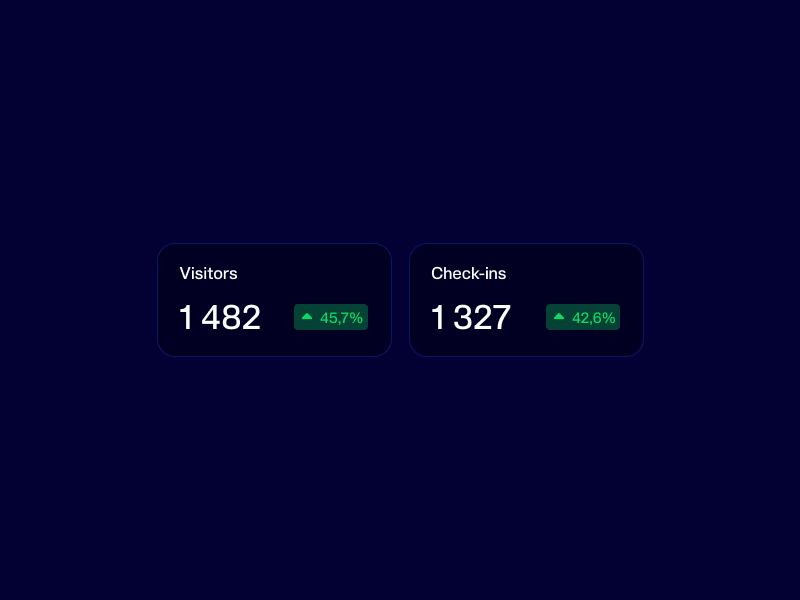
Follow the operation
See sales, arrivals, attendance, capacity and activity as it happens.
-
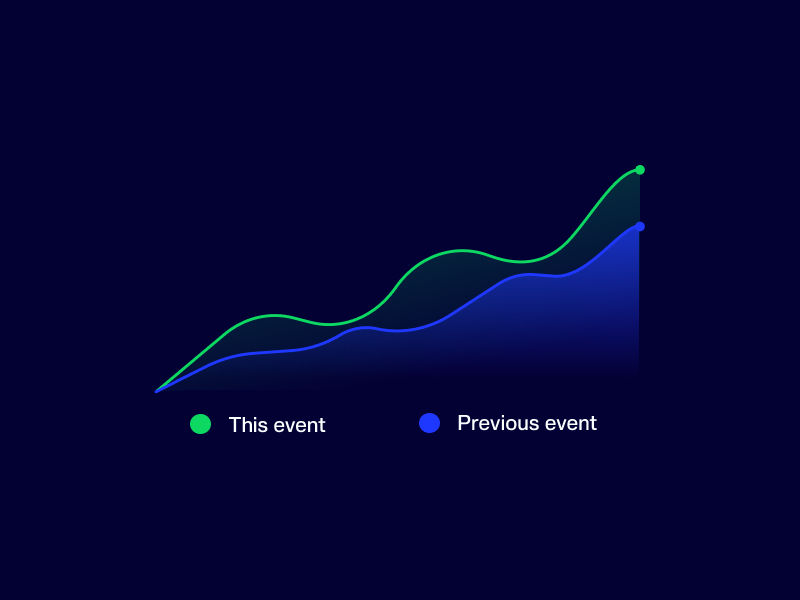
Understand the patterns
Compare events, time periods and operational areas to see where the flow works well and where it slows down.
-
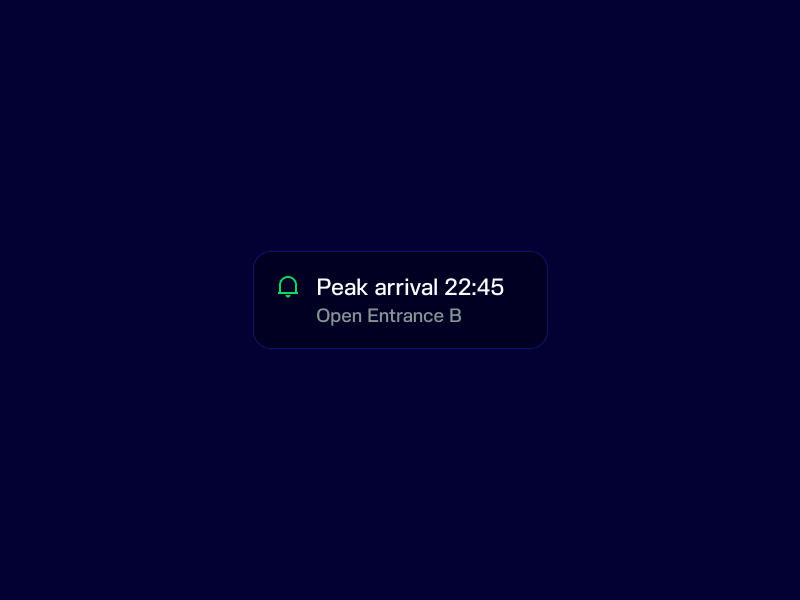
Make better decisions
Use the data to improve staffing, timing, guest communication and future events.
FAQs
For the venue
What data is available in Analytics?
Data from Kvickr products such as Tickets, Entrance and Cloakroom can be brought together to give a clearer view of the operation.
Can we follow activity in real time?
Yes. Depending on the setup, follow areas such as ticket sales, arrivals, attendance, capacity and cloakroom activity as they happen.
Can we compare different events or nights?
Yes. Analytics can identify patterns and compare performance across different events, dates and operational setups.
Can we see where bottlenecks occur?
Kvickr provides the operational data needed to identify where the flow slows down and where additional attention may be needed.
Can Analytics help with staffing?
Yes. Historical and live operational data can support staffing decisions around peak arrival, cloakroom pressure and other busy periods.
Does Analytics connect with the rest of Kvickr?
Yes. Its value comes from combining activity across the Kvickr ecosystem rather than looking at each part in isolation.
Better data creates a better guest experience
The guest does not use Analytics directly; they benefit from the operational improvements it enables.
-
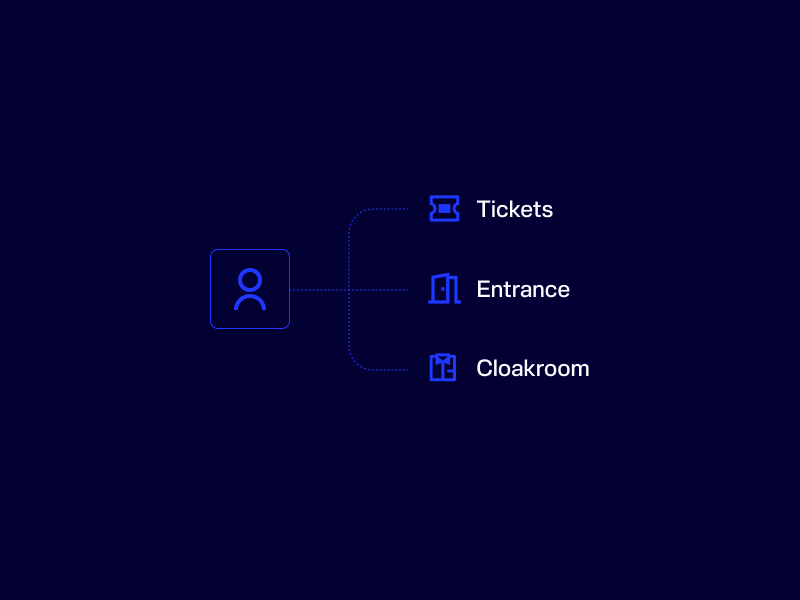
The visit creates operational data
Guest interactions across Tickets, Entrance and Cloakroom show how the venue is performing.
-
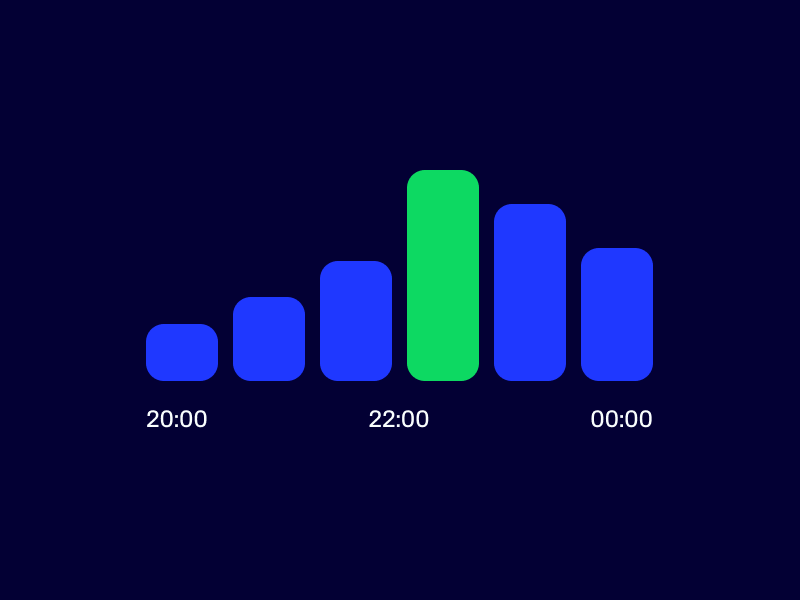
The venue sees where pressure builds
Data helps the team understand when and where queues, delays or capacity issues appear.
-
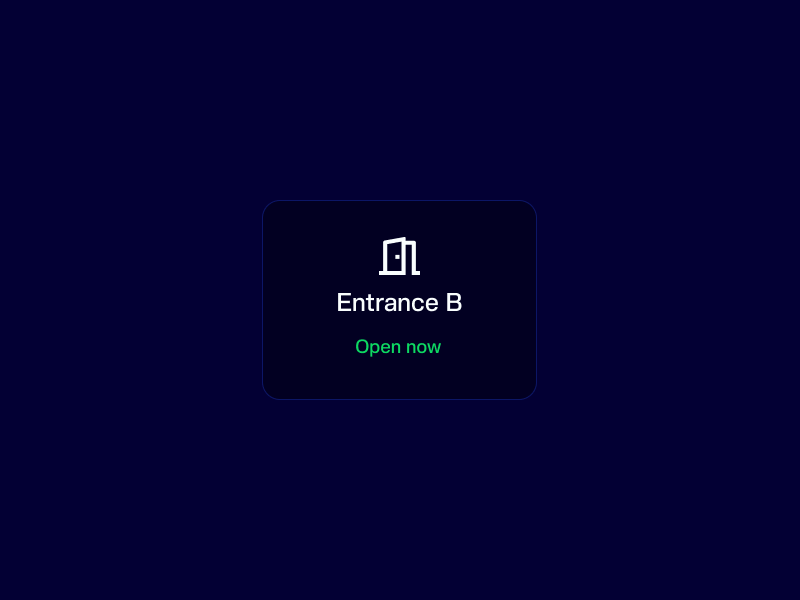
The operation can adapt
Teams can adjust staffing, timing and processes based on what actually happens.
-
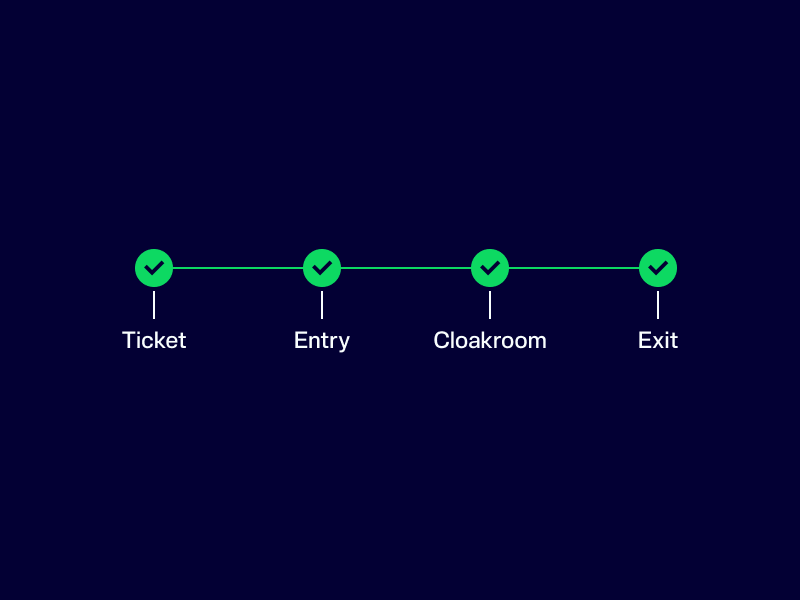
The next visit gets smoother
Better decisions over time can create a more efficient and consistent guest experience.
FAQs
For the guest
How does Analytics improve the guest experience?
It helps the venue understand where friction occurs and make operational changes that can reduce waiting and improve the overall flow.
Does the guest need to do anything?
No. Analytics works in the background using operational activity generated through the guest journey.
What parts of the guest journey can be improved?
Ticket purchase, arrival, entrance, cloakroom handling and communication can all be reviewed using relevant operational data.
Can Analytics help reduce queues?
It can help the venue identify when and where pressure builds, making it easier to adjust staffing or processes for future events.
Does the guest see the Analytics dashboard?
No. Analytics is an operational tool for the venue. The guest benefits from improvements made using the insights.